
USB Connectors
Identify each end you need on your USB cable so that it connects your devices.
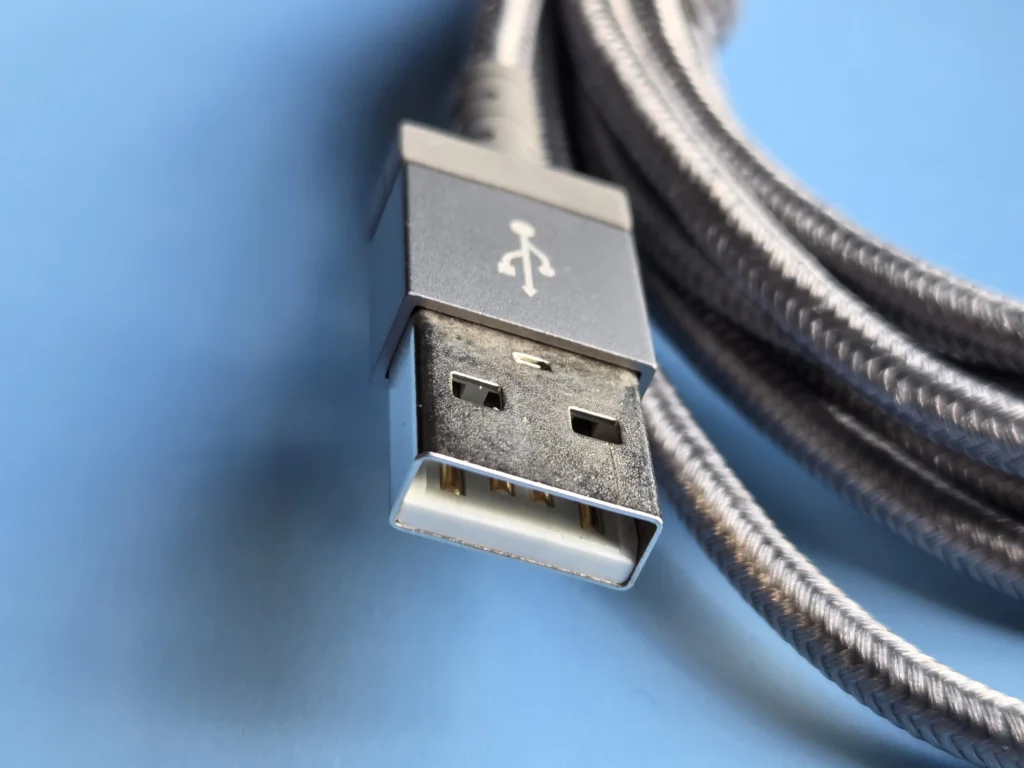
USB-A
USB-A plugs are rectangular and can only be inserted in one orientation. They are not reversible like USB-C. Most include connections for both power and data. Some basic cables carry power only. Faster USB 3.x versions add a few extra connections. We will explain those in a separate section.
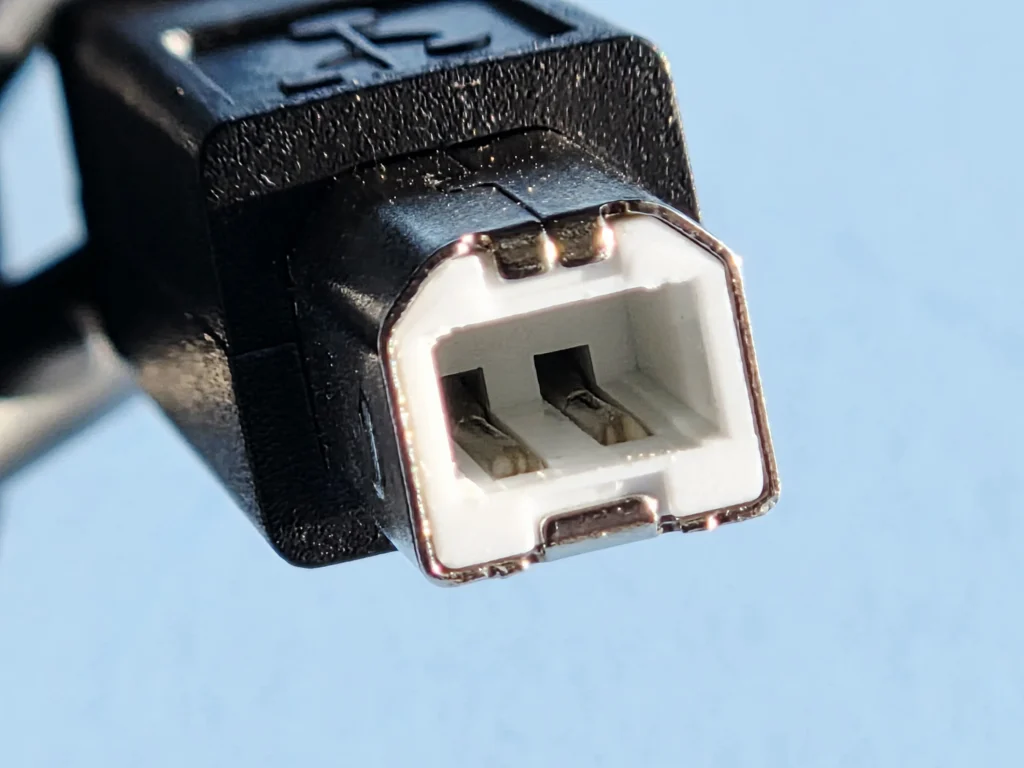
USB-B
USB-B plugs are roughly square-shaped with slightly beveled (slanted) top corners. They can only be inserted in one orientation and are not reversible. These connectors are most commonly found on the device end of the cable. You will often see them on printers, scanners, external hard drives, audio or musical equipment, and even industrial computers. Most USB-B connectors include connections for both power and data. Faster USB 3.x versions add a few extra connections. We will explain those in a separate section.
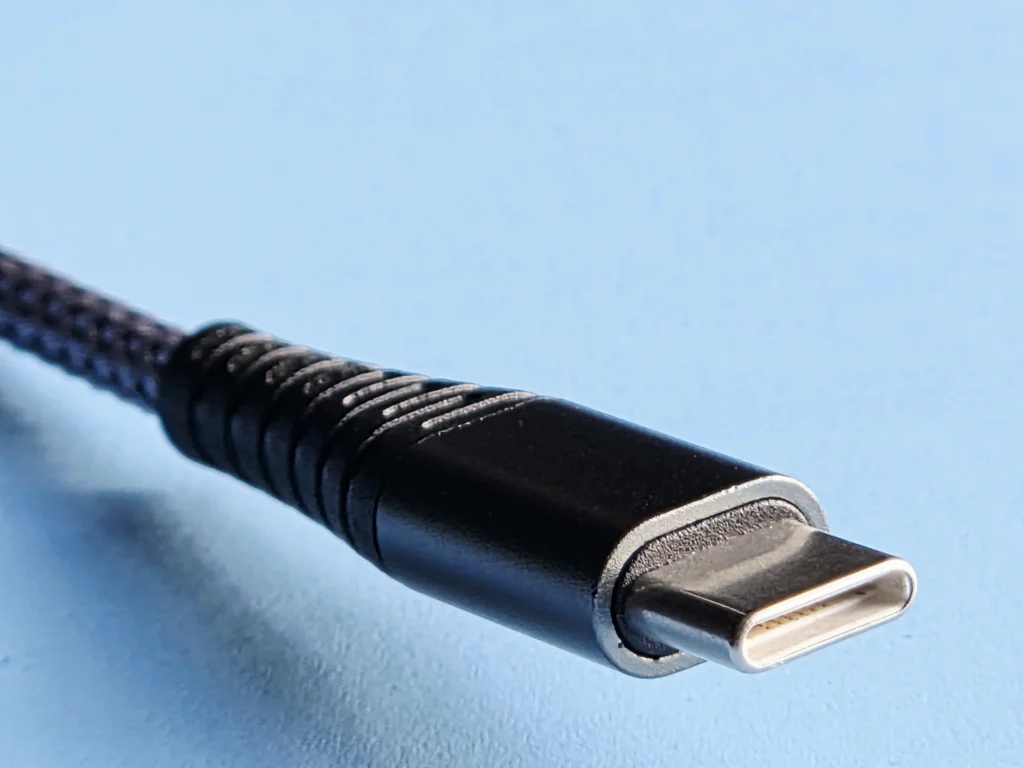
USB-C
USB-C plugs have a small, oval shape and can be inserted in either orientation. They are fully reversible, unlike USB-A or USB-B. You will find USB-C on most modern smartphones, tablets, laptops, chargers, and many other new devices. It supports both power and data on the same connector. Most USB-C cables include connections for both power delivery and data transfer. Faster versions and advanced features exist as well. See Thunderbolt.
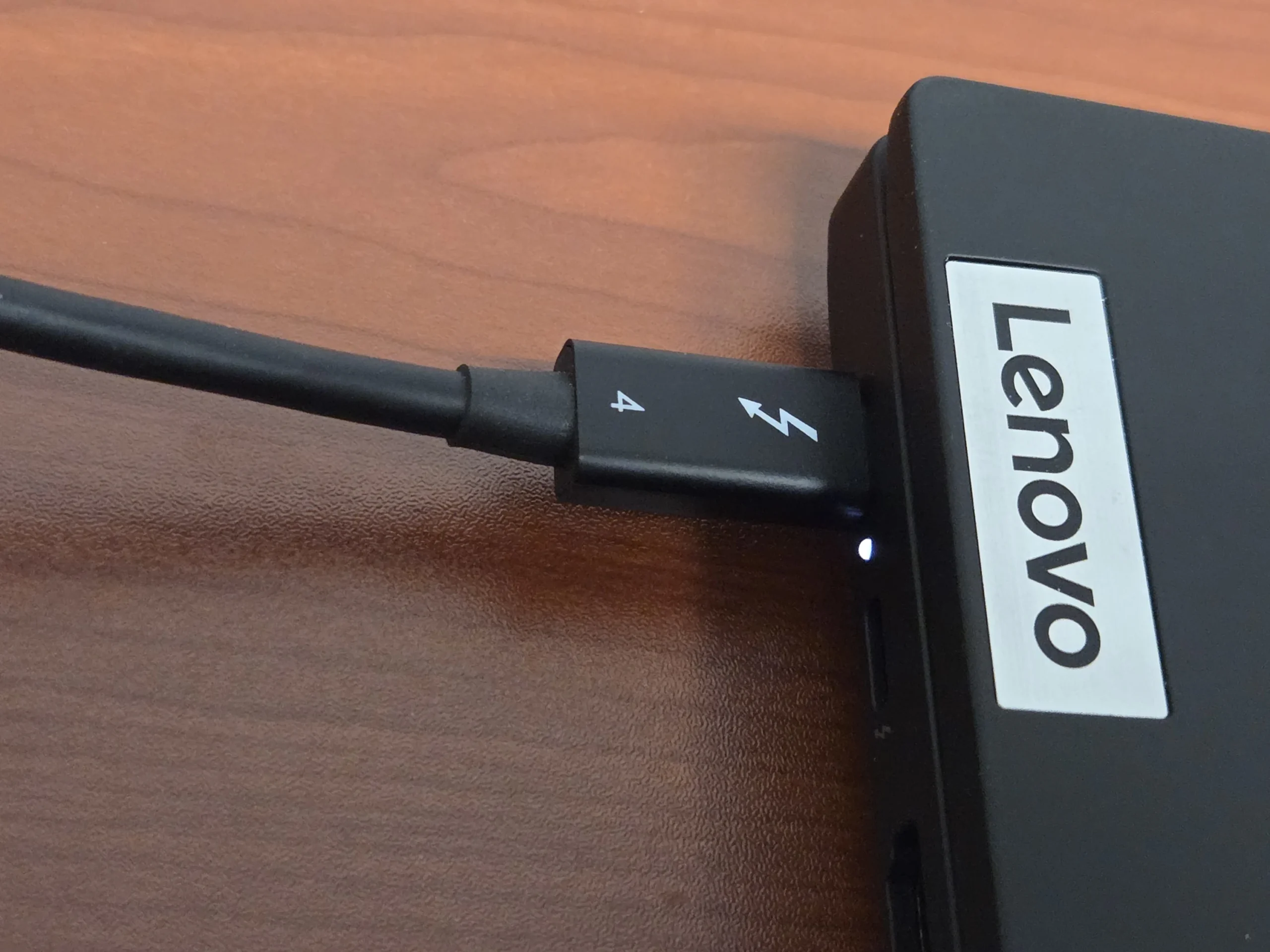
Thunderbolt
Thunderbolt cables use the same connector as USB-C cables, but they are NOT Universal Serial Bus cables. If your cable or port has a Thunderbolt symbol, then you might want to look in the Thunderbolt page.
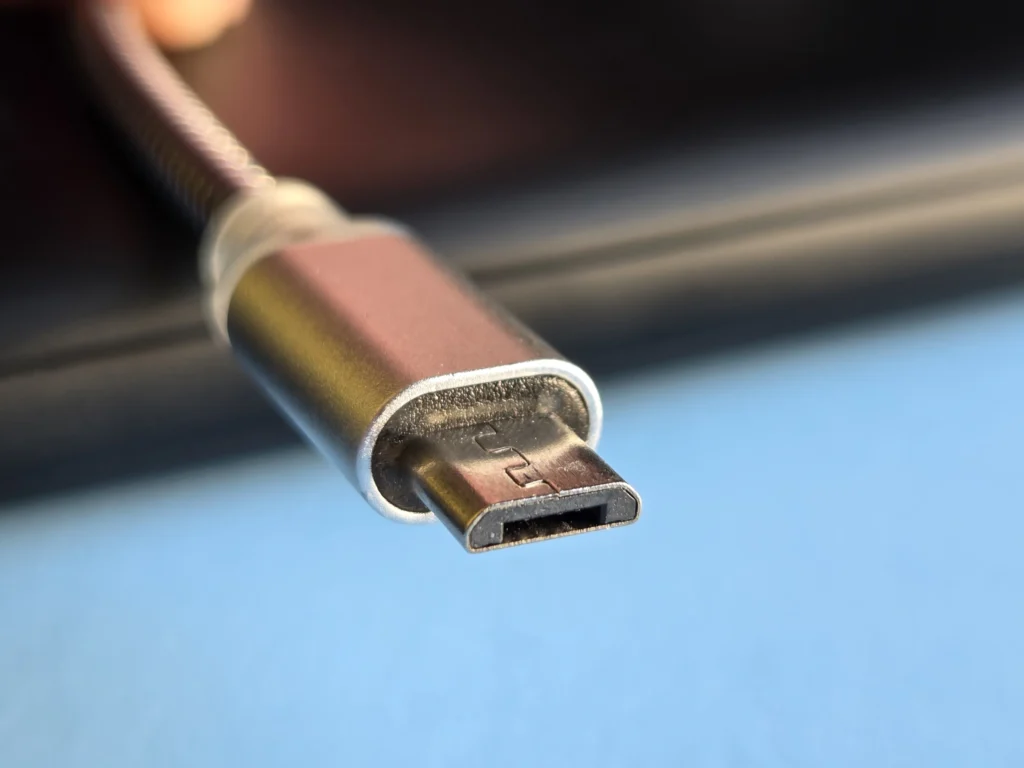
Micro-USB
Standard Micro-USB (USB 2.0) plugs are small and rectangular with a slightly trapezoidal shape. They can only be inserted in one orientation and are not reversible. You will often find Micro-USB on older smartphones, tablets, portable chargers, Bluetooth speakers, cameras, and many other small devices. Most Micro-USB connectors include connections for both power and data. Faster USB 3.x versions with extra connections also exist on some devices. We will explain those in a separate section.
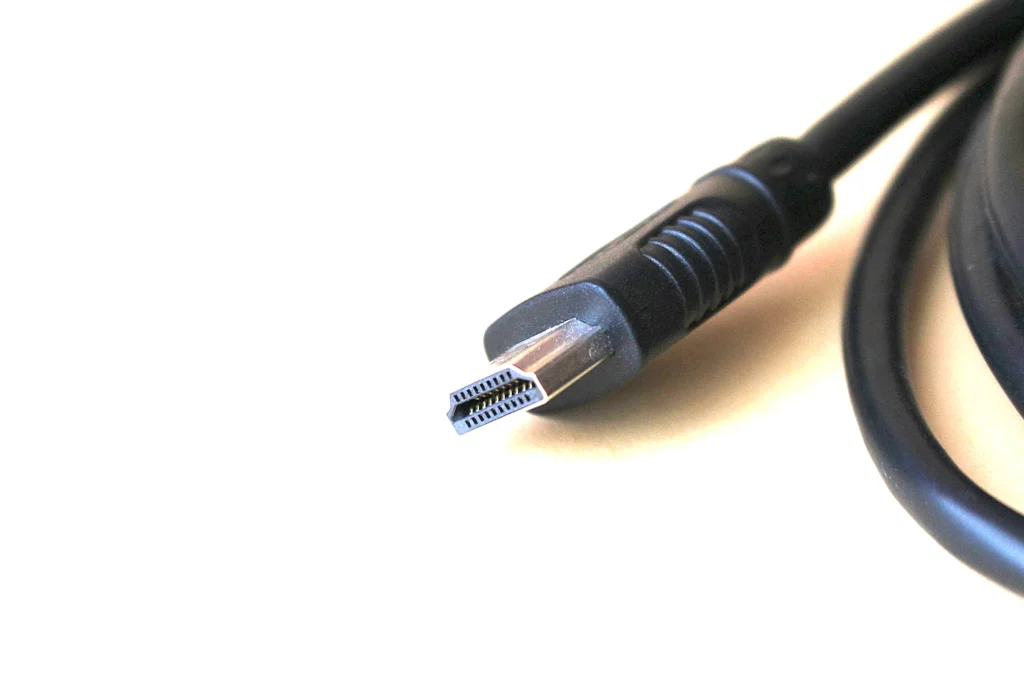
Mini-USB
Mini-USB plugs are small but thicker than Micro-USB. They have a rectangular shape with a slightly trapezoidal look and can only be inserted in one orientation. They are not reversible. You will often find Mini-USB on older digital cameras, portable music players, USB hubs, external hard drives, and some older smartphones or tablets. Most Mini-USB connectors include connections for both power and data.
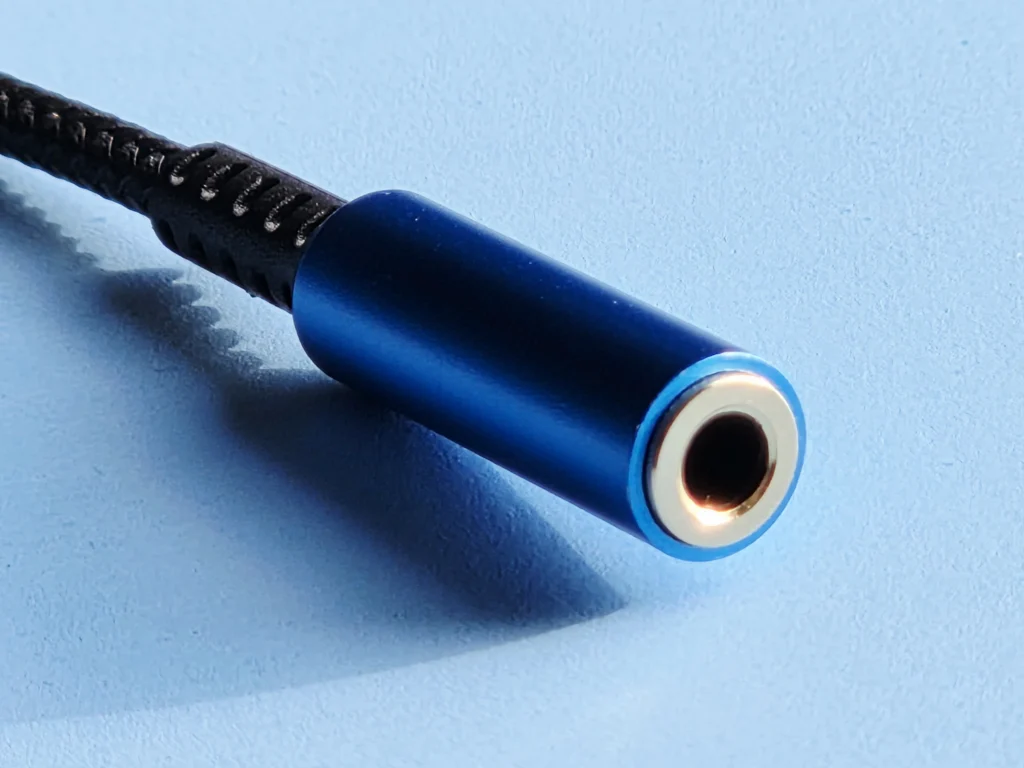
3.5mm Headphone Jack
USB to 3.5mm headphone adapters allow you to plug regular wired headphones into a USB port on your phone, tablet, or laptop. They are available with USB-A or USB-C connectors. Most include a small DAC to convert digital audio from USB into analog sound for your headphones. Choose the right 3.5mm jack type:
Stereo with microphone (TRRS) — For headsets that include a built-in mic for calls, gaming, or voice chat.
Stereo only (TRS) — For regular headphones or earbuds (audio output only, no microphone support).
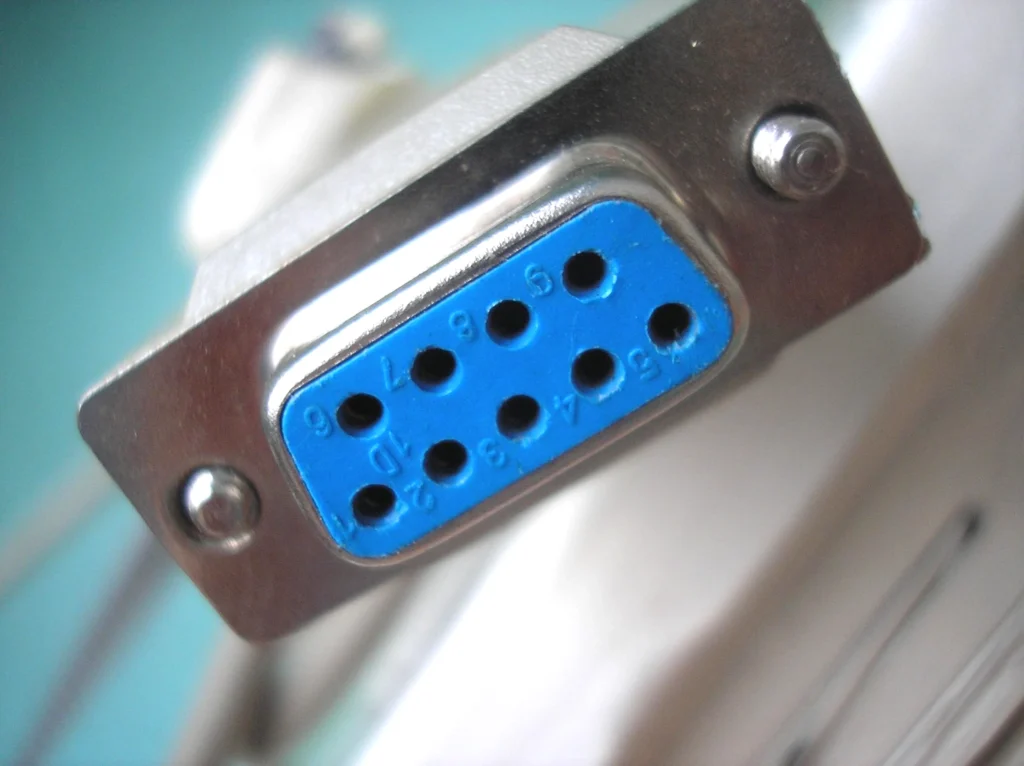
RS232
USB to RS232 adapters allow you to connect older 9-pin DSUB serial devices to computers or laptops that only have USB ports. They come with USB-A or USB-C on one end and a male or female DB9 (9-pin) connector on the other. Inside is a small chip that converts between USB and the older RS232 standard. Common uses include industrial equipment, scientific instruments, point-of-sale systems, and many types of legacy hardware.
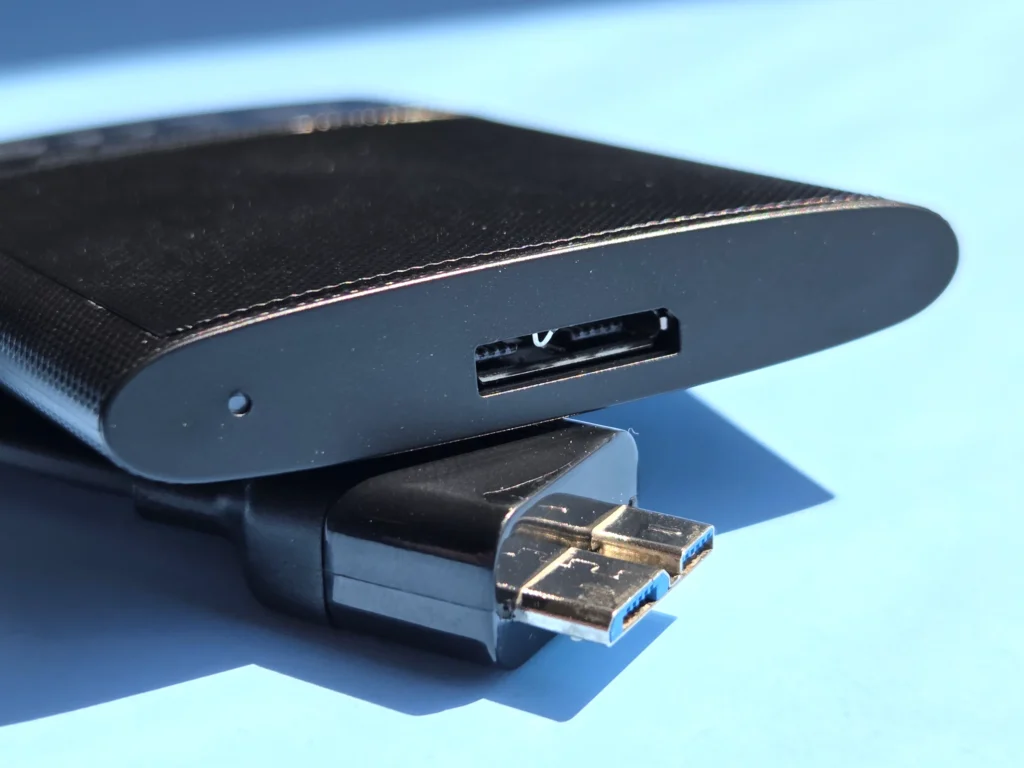
Micro-B SuperSpeed
The Micro-B SuperSpeed (also commonly called USB 3.0 Micro-B) is a wider version of the standard Micro-USB connector, designed for significantly faster data transfer. It looks similar to regular Micro-USB but is noticeably wider, with additional pins on the side. Like standard Micro-USB, it can only be inserted in one orientation.
This connector supports both USB 3.2 Gen 1 (5 Gbps), originally called USB 3.0 SuperSpeed, and USB 3.2 Gen 2 (10 Gbps), originally called USB 3.1 SuperSpeed+. While both speeds use the exact same physical connector, achieving 10 Gbps requires better internal wiring and shielding in the cable.
Important Note: SuperSpeed+ cables are backward compatible with SuperSpeed ports (running at 5 Gbps), and SuperSpeed+ devices will work with a SuperSpeed cable at the reduced speed. However, this connector does not support 20 Gbps (USB 3.2 Gen 2×2), which requires a USB-C connector.